But building software is a game of two halves. While the frontend gets all the shiny AI attention, the backend often remains a tedious bottleneck. What if you could ask your code editor to generate a complete, secure, and production-ready backend infrastructure without ever leaving your IDE?
Welcome to the intersection of AI speed and strict engineering control. Today, we are exploring how Igniral integrates directly into your development workflow using the Model Context Protocol (MCP).
The AI Hallucination Problem in Backend Development
The generative AI tools we use today are incredibly powerful, but raw AI alone is like a brilliant chef thrown into an unorganized kitchen without any rules or approved ingredients. When you ask a standard AI model to generate a backend, it typically spits out raw code or JSON files.
The reality is that AI can hallucinate or generate invalid JSON. A standalone generative AI might produce code with syntax errors, incomplete database schemas, or poorly thought-out security permissions. You might get a backend that technically runs, but it is definitely not production-ready.
Setting up the tedious parts of a backend—like configuring JWT authentication, mapping out Role-Based Access Control (RBAC) per endpoint, and securing file uploads—consumes weeks of repetitive work. If you rely solely on raw AI, you will spend more time debugging broken syntax and fixing security holes than you would have spent writing the code manually.
The Igniral Approach: A Lightning Bolt in an Electric Motor
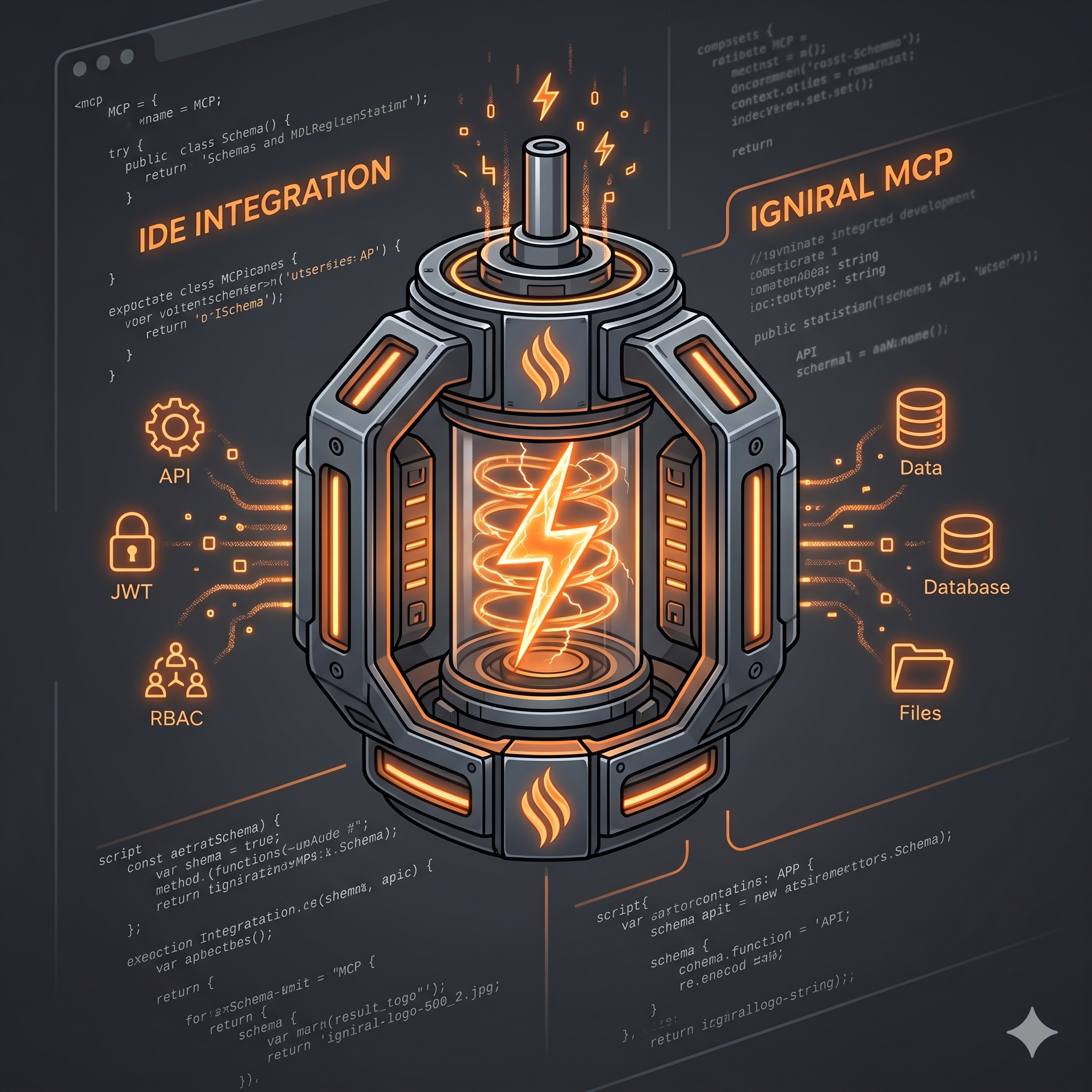
Igniral does not claim to do everything without human supervision, nor is it a generator of generic code. Instead, Igniral channels the raw, chaotic energy of AI into a system with strict rules, validations, and production standards. We like to compare it to capturing a raw lightning bolt inside an electric motor: it is the same AI energy, but the output is structured, safe, and highly usable.
At its core, Igniral allows you to describe your application's needs in natural language, and it outputs a fully functional REST API. For those unfamiliar, an API is the standard interface that allows your web or mobile apps to read and write data—it is the invisible engine behind food delivery apps, banks, and social networks.
When AI proposes a schema, Igniral acts as a tireless reviewer. It parses the JSON, validates it against structural rules, and if the JSON is invalid, the system automatically attempts an AI-powered repair up to three times. The AI does not improvise permissions randomly; it operates under strict system prompt rules defining roles, security policies, and English kebab-case paths.
Bringing Igniral to Your IDE via MCP
The Model Context Protocol (MCP) is a standard that allows AI assistants in your IDE to interact with external tools. Igniral fully embraces this standard to integrate seamlessly into your developer flow.
By using the official igniral-mcp-server (available via npm), you can connect your Igniral account to editors like Cursor or Claude Desktop. You will need your Agent API Keys, which you can easily generate from the Igniral Dashboard.
The magic happens through a specific MCP tool called igniral_generate_schema_from_prompt. This tool allows your IDE to create an entire application from a single description—meaning you do not have to manually create the app and then add endpoints separately.
The 3-Step IDE Workflow
Here is what the process looks like when you integrate Igniral into your MCP-enabled editor:
- Describe Your Idea: Open your IDE's AI chat and type a natural language prompt. A valid example would be: "I need an app to manage reservations for my restaurant: tables, customers, menu, and payments."
- The AI Generation Engine: The AI service (powered by Vertex AI / Gemini) analyzes your prompt and generates a structured definition of your application, roles (like Admin and User), dynamic CRUD endpoints, JSON Schema definitions (draft 2020-12), and security permissions.
- Validation and Deployment: Igniral's validation layers kick in. Once the schema passes the parse, repair, and limit checks, the application is persisted in Igniral's infrastructure. In roughly 30 to 90 seconds, your API becomes available on a subdomain like
https://<subdomain>.igniral.io.
What Is Actually Included in Your Generated API?
When you use the igniral_generate_schema_from_prompt tool, you are not just getting boilerplate code. You are getting a managed infrastructure. Here is exactly what is included "out of the box":
- Dynamic CRUD Endpoints: REST APIs based on your JSON Schema definitions.
- Integrated JWT Authentication: Secure login and token management right from the start.
- Role-Based Access Control (RBAC): Automatic handling of roles and permissions per HTTP method and endpoint.
- Always-Synced Swagger/OpenAPI Docs: Say goodbye to outdated API specs. Every change updates your interactive Swagger UI automatically.
- Managed Database: Enjoy automated backups and replication without needing a Database Administrator.
- Advanced Metrics Dashboard: Track total requests, average latency, error rates, and your top endpoints directly from the platform.
Security By Design
Building a backend is not just about moving data; it is about protecting it. Igniral endpoints come with built-in security policies:
- NONE: For shared public data like catalogs or tags.
- OWNER_ONLY: Ensures users can only view or modify the data they created, while admins can see everything.
- CLAIM_FILTER: Provides access based on JWT claims, perfect for multi-tenant setups.
Furthermore, file uploads are notoriously dangerous vectors for malware. Igniral handles this by offering endpoints specifically for files, enforcing maximum size limits and allowed extensions. More importantly, it features real-time malware scanning with ClamAV on every single upload. This utilizes a zero-trust architecture: files go to quarantine, get scanned, and are only moved to a clean bucket if safe (or deleted if infected). Uploading files without an antivirus is like playing Russian roulette; Igniral ensures you don't have to.
The Power of the Hybrid Engine
AI vs. humans is the wrong question. The real power lies in combining AI speed with human precision. Igniral features a Hybrid Engine: you can use AI for rapid scaffolding, but you retain 100% manual control whenever you want it.
If the AI misses a specific business logic requirement, you can step in using the Visual Schema Builder. You can manually define entities, HTTP methods, visibility limits, and security policies. Igniral removes the repetitive boilerplate tasks so you can focus your engineering talent on the creative, complex business logic that actually differentiates your product.
Try It Without Leaving Your Flow
Building a traditional backend is expensive, slow, and requires a specialized team. But with Igniral and MCP, an entrepreneur with a solid idea can spin up the backend data structures before they even finish their pitch deck.
You don't need a DevOps team to build an MVP. Igniral provides a Free plan that allows you to explore the platform without a credit card. The Free plan includes 1 app, 5 schemas, 100 MB of storage, 50 users, and 2,000 API requests per day.
It's time to stop starting from scratch. Start from production.
Connect your IDE today. Try it for free at igniral.com or start without a credit card directly at auth.igniral.com/subscribe.